
Manual Invitations Versus Automation for Events
Manual invitations versus automation for events: compare control, response speed, guest data, and the right workflow for every event without guesswork.
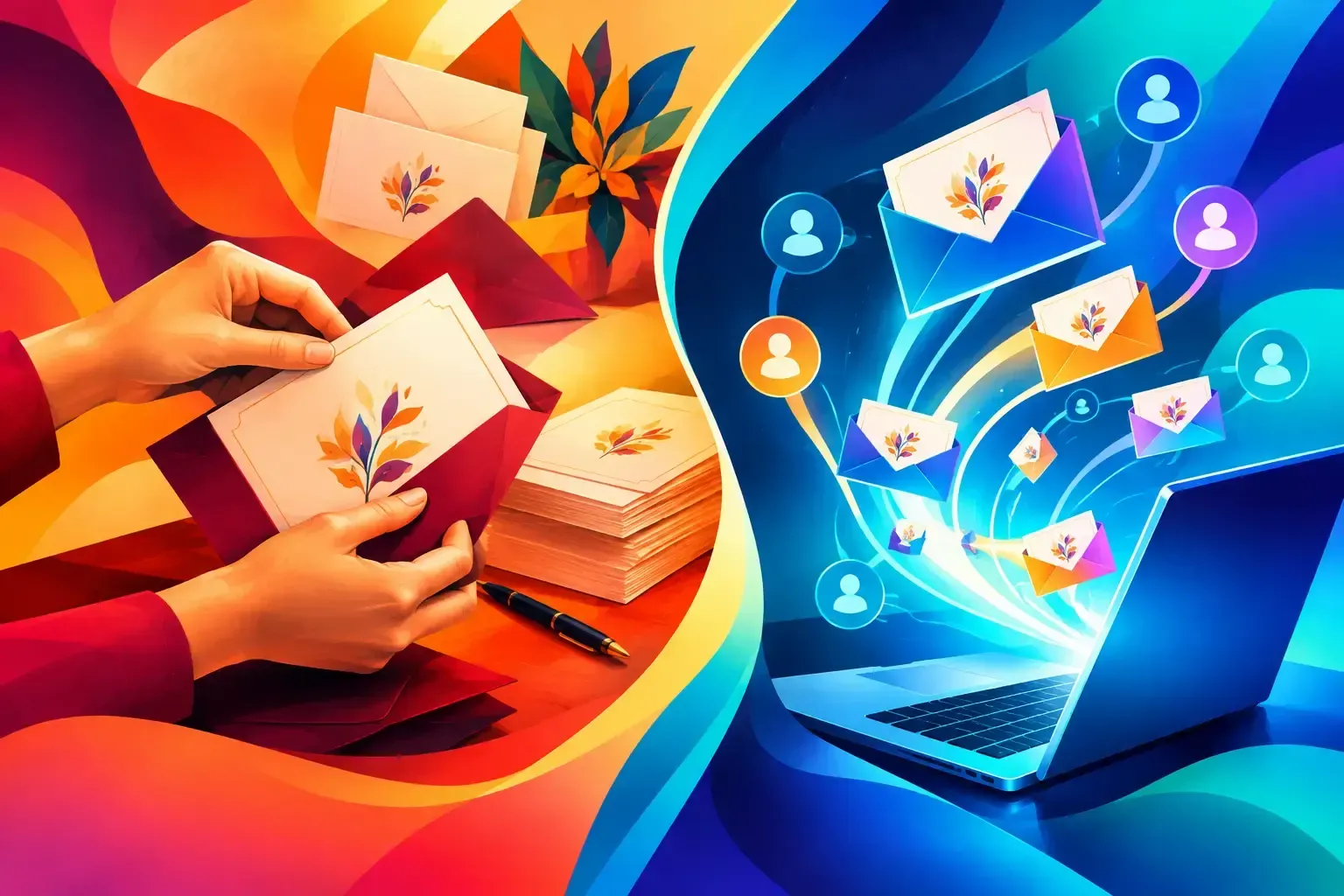
A VIP has not replied. A sponsor needs two additional seats. A guest says they never received the invitation, while the door team is working from a spreadsheet exported three days ago. This is where manual invitations versus automation stops being a marketing preference and becomes an operational decision.
For professional events, the answer is rarely to choose one method exclusively. Personal outreach matters when the relationship matters. Automation matters when the guest list, timeline, and service standard need to hold up under pressure. The strongest workflow gives teams both: controlled automation for the repeatable work and deliberate human contact where it can change the outcome.
Manual invitations versus automation: the operational difference
Manual invitations are built one guest at a time. An event manager or guest-relations lead selects recipients, writes or adapts a message, sends it, then tracks replies through email, phone calls, messaging apps, or a spreadsheet. The approach feels personal because it is personal. It also gives the sender room to respond to context: a guest's travel plans, a sensitive relationship, a request for companions, or a change in seating priority.
Automation uses structured guest data and defined rules to handle repeatable actions. Contacts are grouped by segment, invitations are sent from approved templates, RSVP responses update guest status, and reminders go to people who have not answered. A confirmed guest can receive a QR code and event details without someone manually copying information from one system to another.
The difference is not simply speed. It is whether the event team can see one reliable version of every guest's status. When invitations, responses, companions, access rules, and check-in are managed across separate tools, small gaps become visible at the worst possible moment: at the entrance, in the green room, or during the final seating count.
Where manual invitations earn their place
There are events where a standard branded email should not be the first touch. Senior executives, major clients, press contacts, talent representatives, and high-value prospects may expect a call or a personal note before receiving a formal invitation. For private dinners and tightly curated brand experiences, that outreach can signal the care behind the event itself.
Manual contact is also useful when a guest's attendance requires discussion. Perhaps a client can attend only part of a multi-session program. Perhaps a speaker needs a companion approved, or a VIP's assistant manages their calendar. In these situations, personal outreach can resolve questions faster than a generic invitation flow.
But personal does not need to mean untracked. Once the conversation happens, the result should be recorded in the guest list: invited, confirmed, declined, waitlisted, plus-one requested, or requiring follow-up. Otherwise, the value of a thoughtful call is lost when another team member sends an unnecessary reminder or the front desk cannot see the latest instruction.
Manual outreach works best as a high-touch layer on top of organized data. It should not become the only place where guest decisions live.
Where automation protects the guest experience
Automation is often described as a time-saving tool. It is that, but its greater value is consistency. Every guest receives the correct event information, every RSVP is captured in the same format, and every approved companion is connected to the right primary guest.
A structured invitation campaign can use segments to send the right message to the right audience. Sponsors may receive arrival instructions different from general guests. Media may need accreditation information. Internal teams may receive a separate registration path. The invitation can still look fully branded and feel appropriate to each group without requiring the team to build dozens of messages from scratch.
Automation also improves timing. An invitation sent too early can be forgotten; a reminder sent too late can feel rushed. Defined schedules make it possible to send the initial invitation, follow up with non-responders, and deliver final logistics only to confirmed attendees. This reduces inbox noise while giving guests the information they need when it is useful.
For the operations team, automatic status updates remove the most error-prone handoff in guest management. A guest who confirms should not need to be copied from an RSVP inbox into a new spreadsheet, then added to a check-in list. The status should flow through the event lifecycle, from invitation to admission.
The hidden cost of doing everything manually
A small guest list can make manual work appear manageable. The problem usually arrives with change. A venue capacity adjustment, an added session, a new invitee segment, or a revised arrival time creates a chain of updates. Someone has to find the affected contacts, edit the message, send it, log replies, and make sure the door list reflects the result.
Manual processes also create ownership risk. If the person managing RSVP replies is unavailable, can another team member immediately see who is confirmed? Can they tell whether a guest was promised a companion or an early arrival window? Can they identify the source of a contact's consent before sending a new communication?
These are not minor administrative questions. They affect privacy compliance, staffing decisions, food and beverage counts, seating, security, and the welcome a guest receives. A polished event experience depends on details being available to the right people, not stored in one person's inbox.
Automation reduces that dependency by creating shared visibility. It does not eliminate judgment. It gives the team a clean operational record so judgment can be applied where it is needed.
Choose the workflow based on guest value and event complexity
The right balance depends on three factors: how many guests you are managing, how much each guest relationship requires personal handling, and how frequently event details change.
For a 30-person executive dinner, the guest-relations lead may personally call most invitees. Even then, a central RSVP page and live guest status can prevent confusion as confirmations come in. For a 500-person product launch, automated invitations and reminders are usually essential, while the VIP, media, and partner segments receive personal follow-up from assigned owners.
Recurring events benefit even more from automation. Teams can reuse approved event assets, registration logic, consent language, and audience segments while adjusting the details that change. That creates continuity without making every event feel identical.
The question is not, "Can we send this manually?" It is, "Can we still deliver the same controlled experience after the third guest-list change and the fiftieth RSVP?"
Build a controlled hybrid workflow
Start with the guest data. Import contacts from trusted sources, remove duplicates, capture consent where required, and create segments that reflect how the event will actually be managed. Useful distinctions may include VIPs, clients, partners, media, staff, speakers, and guests eligible for companions.
Next, build the invitation process around clear statuses. Define what happens after an invitation is sent, a guest registers, a companion is requested, or a response remains pending. Make each message purposeful: the initial invite asks for a decision, the reminder helps a non-responder act, and the final confirmation provides logistics and access information.
Then assign human ownership to the guests who need it. A VIP list without named owners is only a label. Give each high-priority relationship a responsible team member, record the outcome of outreach, and let the automated flow handle the routine confirmations and reminders around that work.
Finally, carry the same guest record to the door. QR-code check-in, live attendance counts, and offline-capable scanning keep the arrival experience connected to the invitation process. If a guest is added late or a companion is approved, the check-in team should not have to rely on a screenshot or a last-minute text message.
Eventleash is designed around this full workflow: organized contacts, branded communications, live RSVP status, and reliable admission in one event-focused system. The goal is not to replace hospitality with software. It is to remove the manual friction that prevents teams from being hospitable.
A guest should feel that the event was planned with them in mind, whether they received a carefully timed campaign email or a direct call from the host. Build the process so your team has the time and information to make that feeling real when it counts.